

Login redirect does not work
AAM Login Redirect allows you to send users to a specific location after a successful login. This works as expected when your WordPress site uses the default login flow, or when a custom login implementation correctly applies the WordPress core login_redirect filter (which most well-built themes and plugins do).
If login redirect is not working, it almost always falls into one of the scenarios below.
Scenario 1: The login URL already contains a redirect_to parameter
This typically happens when an unauthenticated user attempts to access a restricted page (frontend or backend). WordPress core or AAM first redirects the user to the login page and appends a redirect_to parameter pointing back to the originally requested page.
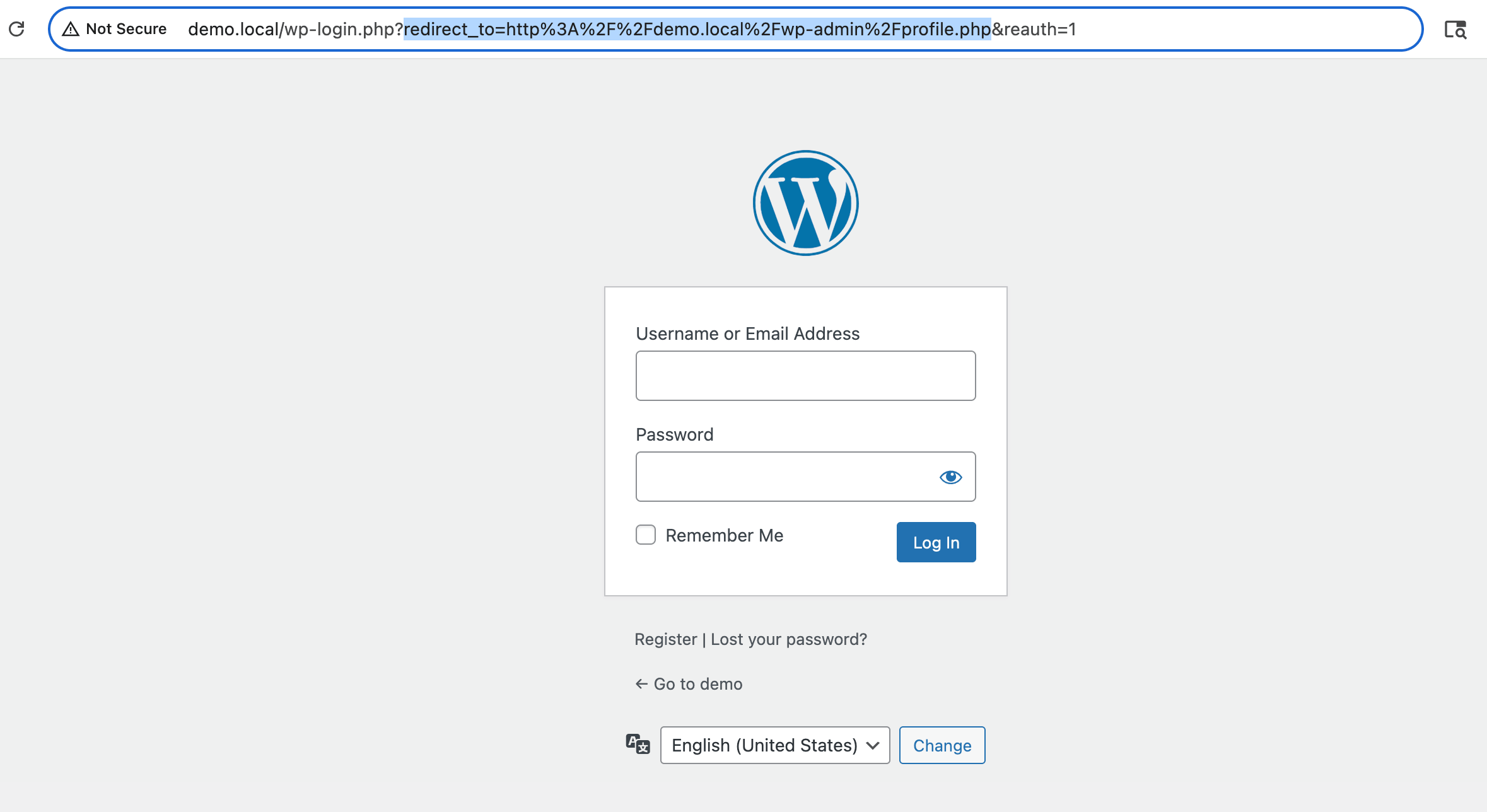
By default, AAM respects this parameter and allows WordPress to redirect the user back to that original destination after login. As a result, any Login Redirect settings configured in AAM are ignored.
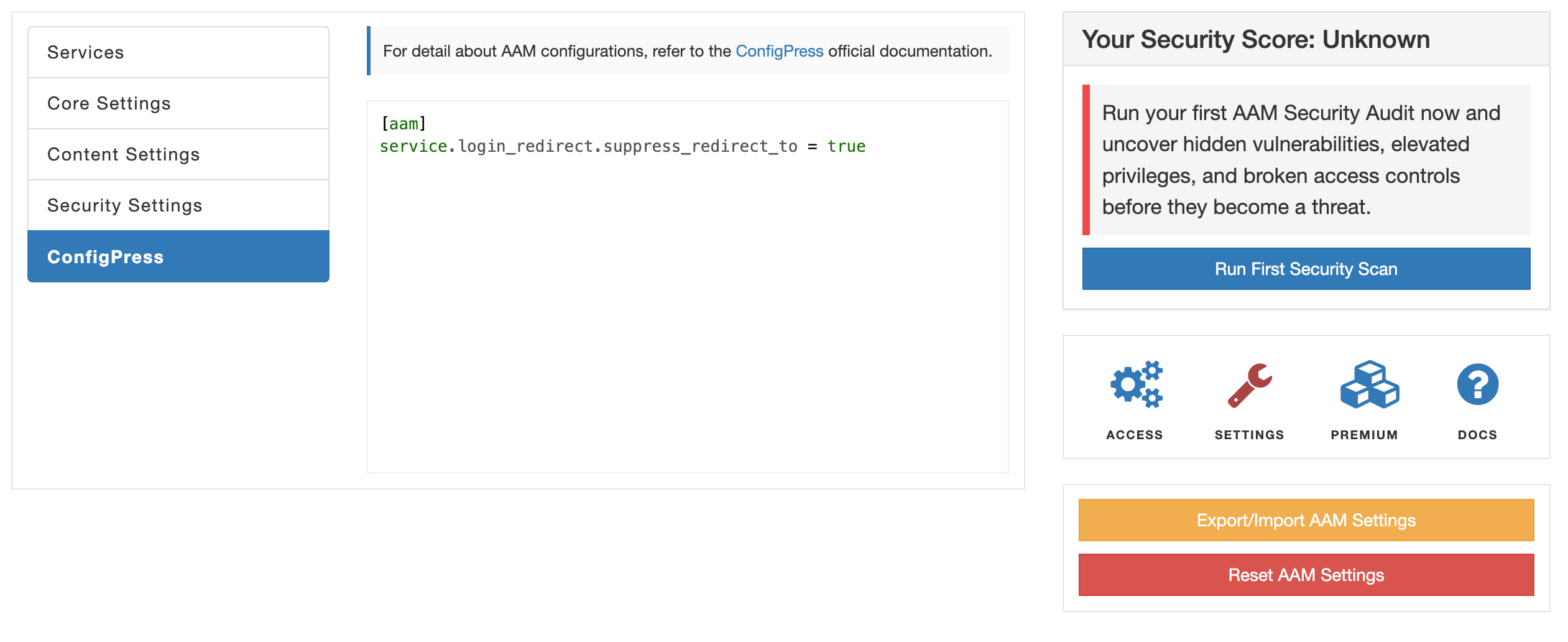
If you want to always redirect users to a single location after login, regardless of the original request, you can enforce the Login Redirect behavior using ConfigPress:
[aam]
service.login_redirect.suppress_redirect_to = true
Scenario 2: Login redirect still does not work when enforced
If redirects fail even when enforcement is enabled, another plugin or theme is likely overriding the login process or bypassing the WordPress core login_redirect filter entirely.
In this case, consider switching to a different custom login solution or using the AAM Secure Login widget, which fully supports AAM’s access and redirect logic.
 Virtual Assistant