About this video
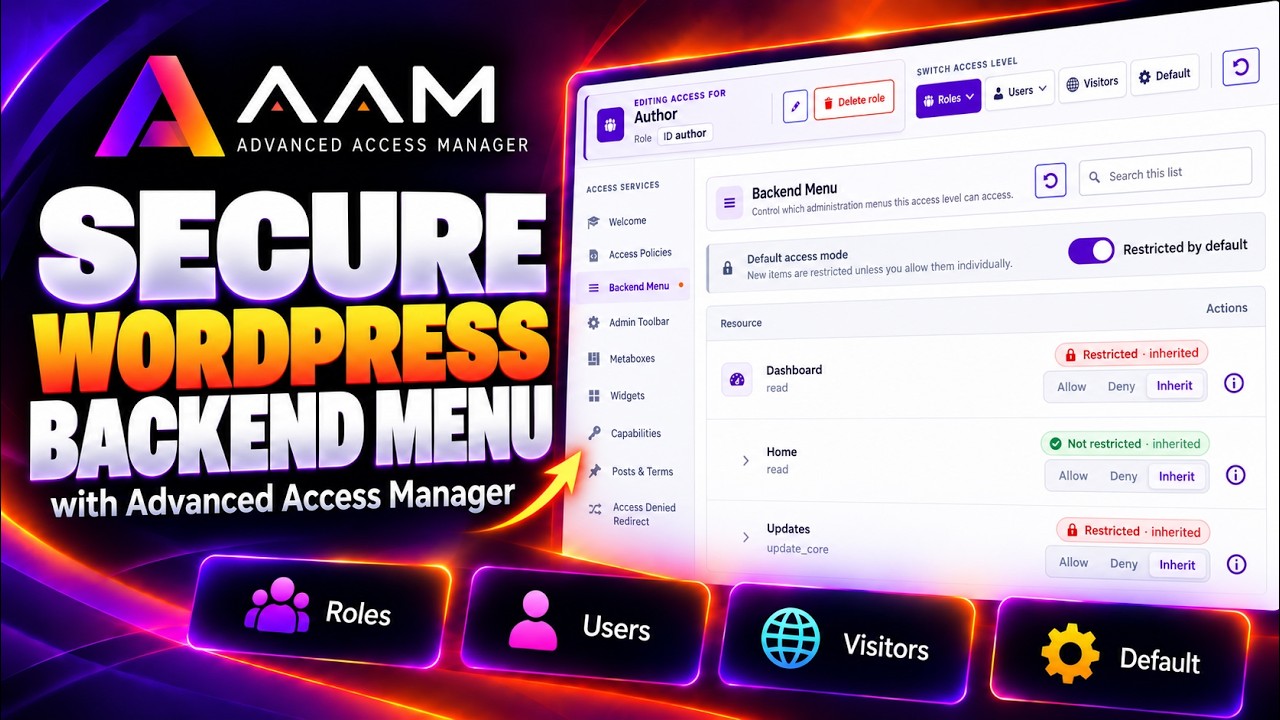
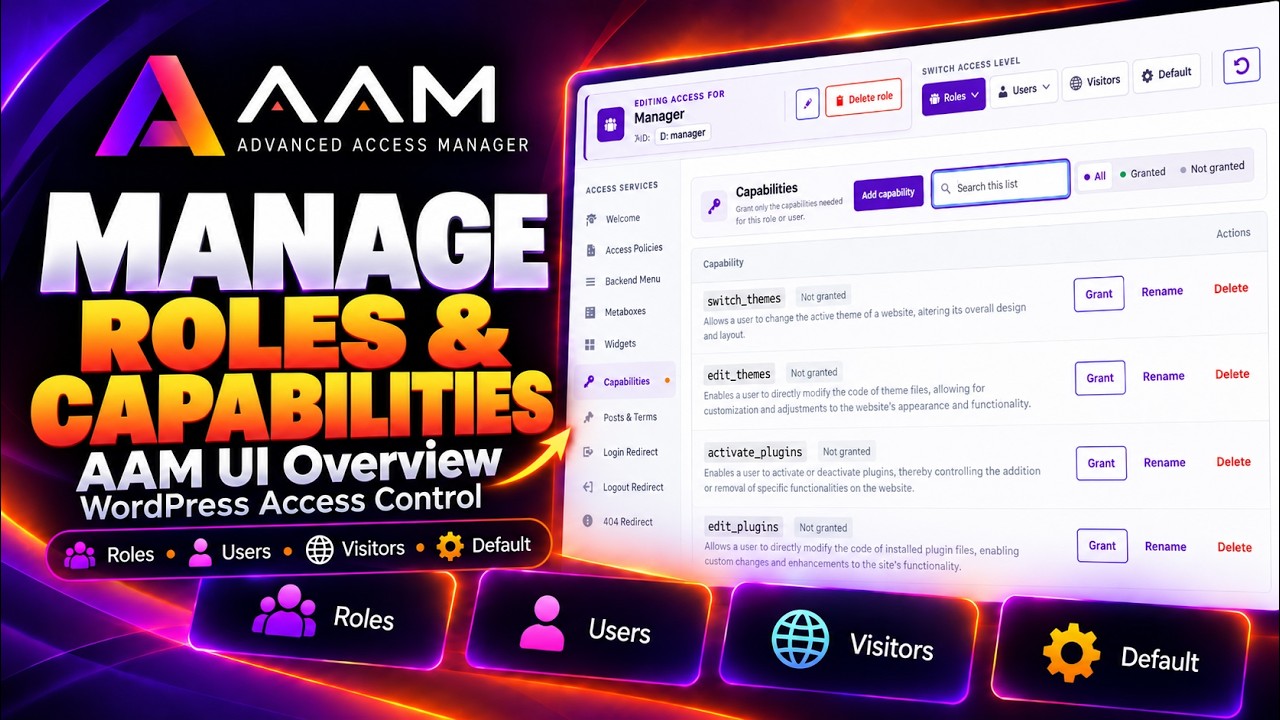
Tour the AAM interface and see how WordPress roles, users, visitors, and default access levels connect to its access controls and security tools.
Start here for a guided tour of the Advanced Access Manager interface. The walkthrough introduces AAM’s four access levels—roles, individual users, visitors, and default access—and shows how inheritance and overrides affect the final access decision.
What you’ll see
- Where to manage roles, capabilities, content access, and backend controls.
- How AAM organizes access rules for users, visitors, and integrations.
- Where to find redirects, REST API and MCP controls, JWT tokens, temporary accounts, and security audits.
For a written introduction, see Introduction to the AAM UI.